Eurorack Module Cheat Sheets & Reference App
The missing documentation tool for modular synthesizer users. Photograph your Eurorack module faceplate, annotate every control, and build the quick-reference library you always wished existed.

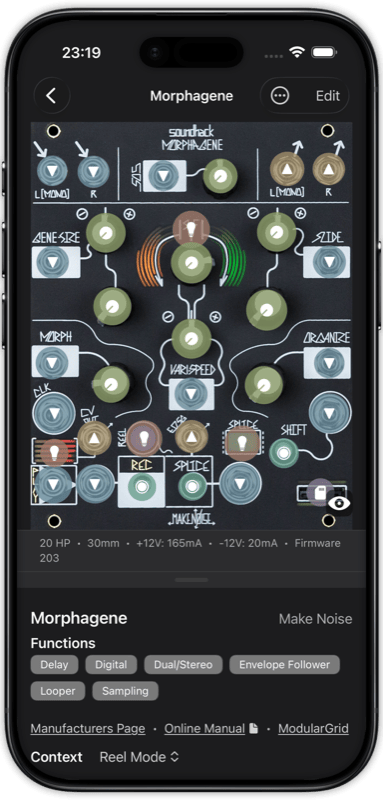
Wait, What Does This Do?
You are mid-patch, staring at a knob you have not touched in weeks. Was it a wavefolder? An attenuverter? Every Eurorack module is a puzzle, and your memory fades faster than your modular setup grows.
Manual Overload
PDFs scattered across folders, bookmarked web pages you will never find again, handwritten notes stuffed behind the rack. The documentation exists, but it is never where you need it, when you need it.
Knowledge Scattered
Forum posts, YouTube timestamps, manufacturer websites - the information about your modules lives in a dozen places. There is no single source of truth for your specific rack and the way you use it.
RackDocs solves all of this. One app. Every module. Always in your pocket. Whether you own modules from Make Noise, Instruō, Intellijel, Behringer, or any other manufacturer, RackDocs gives you a visual quick-reference built around your actual module faceplates.
How It Works
Photograph Your Module
Take a photo of your Eurorack module faceplate, or import one from ModularGrid. RackDocs supports all module formats: 3U, 1U, 5U/MU, Serge, Buchla, and more.
Annotate Every Control
Tap on knobs, jacks, buttons, sliders, switches, and LEDs to add annotations. Choose from 12 annotation types, each with custom colors and detailed descriptions. Document LED states, switch positions, and multi-step combinations.
Use It at Your Rack
Your annotated cheat sheets sync across iPhone, iPad, and Mac via iCloud. Export as print-ready PDFs to keep next to your modular synthesizer. Share your cheat sheets with the community or download others.
Why Eurorack Users Love RackDocs
12 Annotation Types
Document knobs, jacks, buttons, sliders, switches, and LEDs with dedicated annotation types. Each annotation supports custom colors, detailed text descriptions, and context-specific visibility for different module modes.
LED & Switch State Documentation
Many Eurorack modules have multi-function controls. RackDocs lets you document what each LED color means, every switch position, and even knob illumination states, so you never have to guess again.
Community Cheat Sheet Library
Browse 136 pre-made annotated reference sheets contributed by the Eurorack community. Download cheat sheets for modules from Make Noise, Instruō, Intellijel, Behringer, Tiptop Audio, and many more. Or upload your own to help fellow synthesists.
iCloud Sync Across Devices
Your entire module library syncs automatically across iPhone, iPad, and Mac via iCloud. Create a cheat sheet on your iPad at your desk, then reference it on your iPhone at a live performance.
PDF Cheat Sheet Export
Export your annotated module cheat sheets as high-quality, print-ready PDFs. Pin them next to your Eurorack case for instant reference while patching. Perfect for studio or stage use.
ModularGrid Import
Paste any ModularGrid URL to automatically import the module faceplate image, specifications, width in HP, and manufacturer details. Start annotating in seconds instead of setting everything up manually.
Built for Serious Module Documentation
Module Contexts
Many modules behave differently depending on firmware or mode. RackDocs lets you create separate contexts for each mode, showing only the relevant annotations. Perfect for multi-mode modules like the Expert Sleepers Disting or Mutable Instruments Plaits.
Combinations
Some Eurorack operations require multiple steps - hold this button, turn that knob, then tap another. Document these multi-step procedures as ordered combinations with numbered circles directly on the faceplate.
Precision Editing
Rotate, crop, and apply perspective correction to your faceplate photos before annotating. Zoom and pan to place annotations with pixel-level accuracy, even on dense modules with tiny controls.
Color Schemes
Choose from multiple color palettes for your annotations. Muted tones for a clean look, vivid colors for maximum contrast. Pick whatever works best against your module faceplate.
See RackDocs in Action
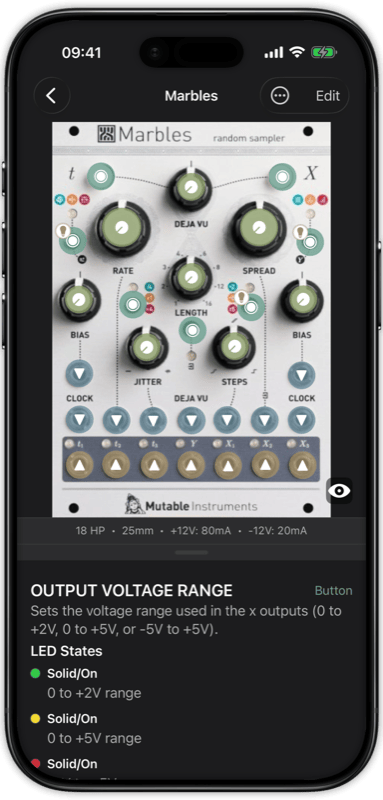
Annotate every control on your module faceplate with detailed descriptions
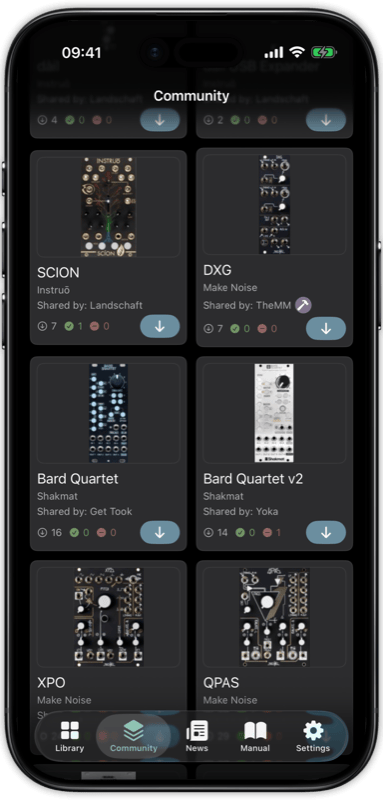
Browse and download community-contributed cheat sheets
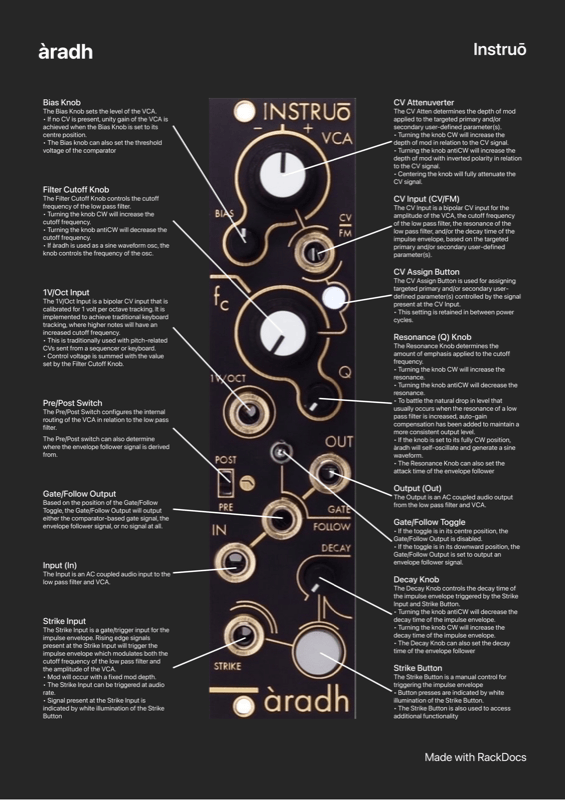
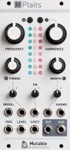
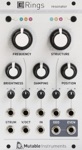
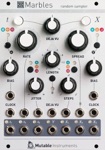
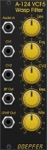
Popular Eurorack Module Cheat Sheets
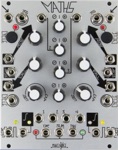
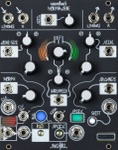
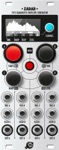
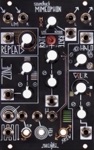
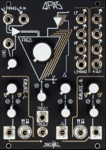
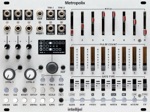
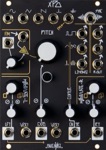
The most downloaded annotated reference sheets from the RackDocs community. Each cheat sheet includes a faceplate image with labeled controls, specifications, and detailed descriptions.

Frequently Asked Questions
What is RackDocs?
RackDocs is an iOS app for Eurorack synthesizer users to create annotated cheat sheets of their module faceplates. You photograph your module, mark up every knob, jack, switch, and LED, and build a personal reference library that syncs across all your Apple devices via iCloud.
Which Eurorack modules are supported?
RackDocs works with any Eurorack module. The community library currently has 136 pre-made cheat sheets from 46 manufacturers including Make Noise, Instruō, Intellijel, Behringer, Tiptop Audio, and more. You can also create your own cheat sheet for any module by photographing its faceplate.
Is RackDocs free?
RackDocs is free to download and use with up to 5 modules. For unlimited modules, community downloads, and PDF exports, affordable subscription plans start at just 1 EUR per month.
What devices does RackDocs run on?
RackDocs runs on iPhone (iOS 18+), iPad (iPadOS 18+), and Mac (Apple Silicon, designed for iPad). Your entire library syncs automatically via iCloud across all devices.
How is RackDocs different from reading the module manual?
Unlike traditional PDF manuals, RackDocs provides a visual, annotated overlay directly on the module faceplate photo. You see exactly which control does what at a glance, including LED states, switch positions, and multi-step combinations. It is your personal quick-reference, not a replacement for the full manual.
Perfect For
Growing Collections
The more modules you own, the harder it gets to remember every function. RackDocs scales with your rack.
Complex Modules
Deep modules with hidden modes, secondary functions, and long-press shortcuts deserve proper documentation.
Live Performance
Quick-reference your patches on stage. No fumbling through manuals when the clock is running.
Learning New Modules
Just bought a new module? Document what you learn as you go. Build your understanding one annotation at a time.
Your Rack. Documented.
Free to download. Document up to 5 modules for free, then unlock unlimited access.